Your next train.
Both ways.
Every train leaving the stations within a five-minute walk of you, counting down live. No account, no ads, no map to pinch at. Open it on the stairs and the board is already yours.
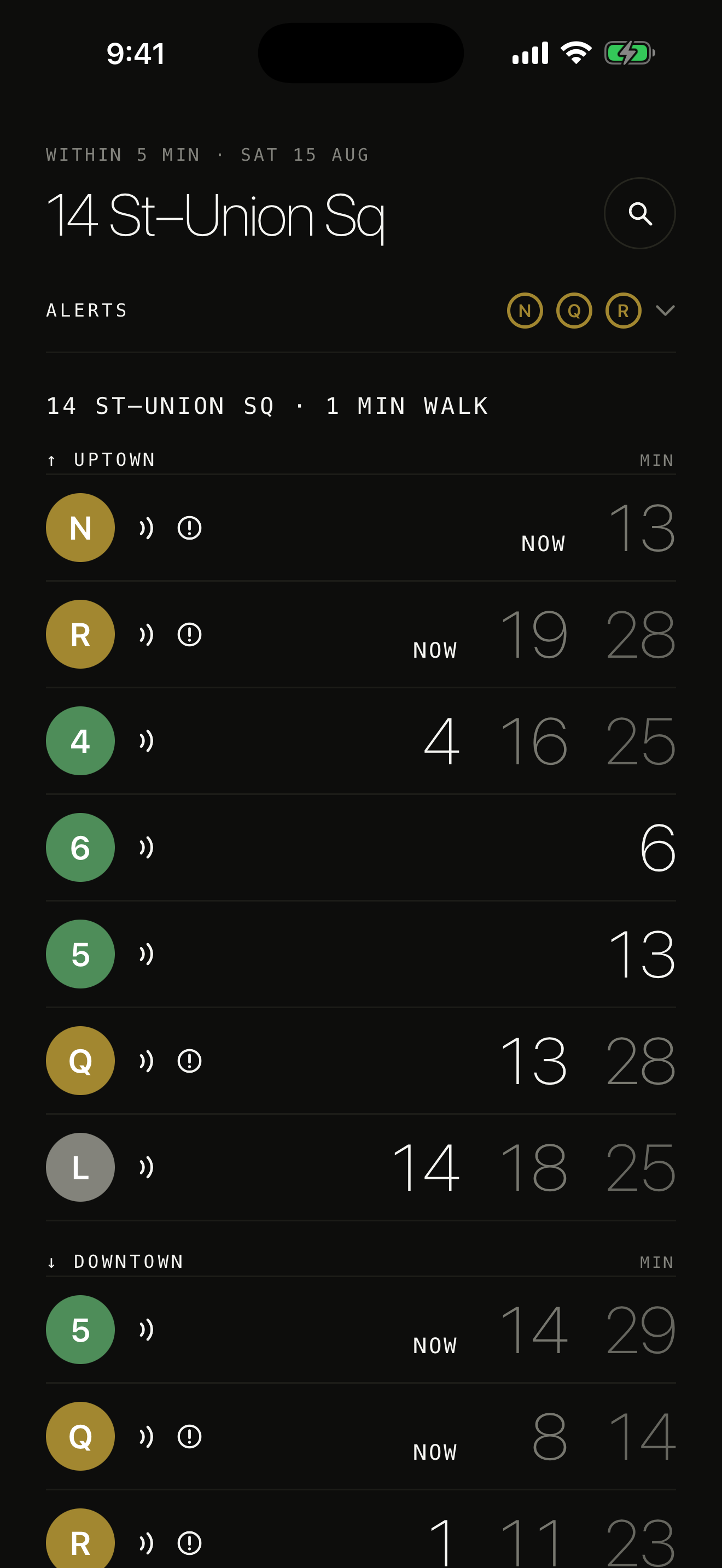
One screen, and it is already the one you wanted.
The board is every line at every station you can walk to, in both directions. Tap a line for its own countdown. Search finds any station without a network. Settings is one screen.
Drag the line.
Await follows your phone. The same board, both appearances — and the line bullets keep the MTA's own colours in each.
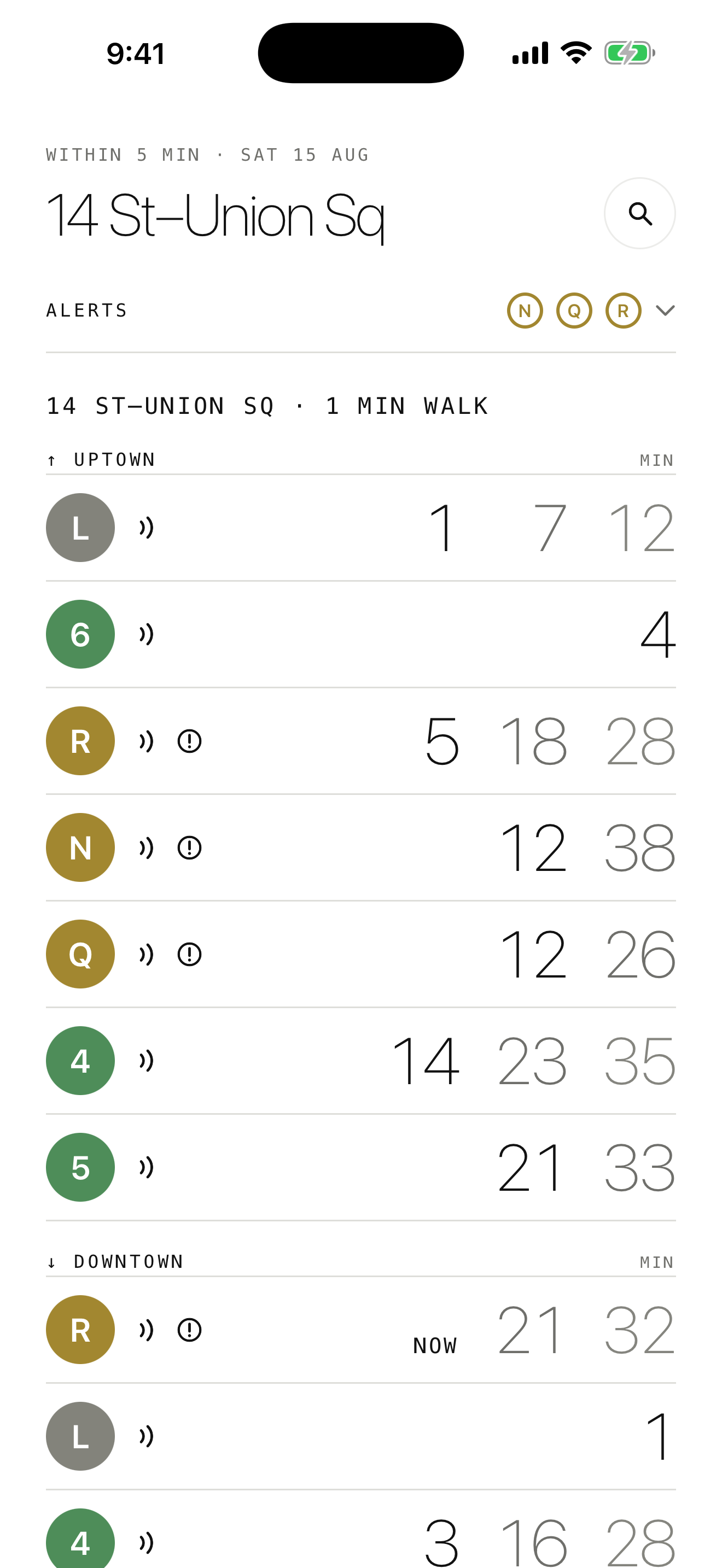
It tells you when it does not know.
A countdown is worth nothing if you cannot tell a live train from a timetable. Every line carries its own mark, so you always know which one you are reading.
Two arcs — live
The MTA is publishing this train's position right now, and the number is counting down from it.
One arc — a minute old
The feed has gone quiet for this line. The number is the last one it gave, and it is ageing.
No arc — the timetable
No live data at all. This is the schedule, which is what the platform sign falls back on too.
And, more to the point, what it doesn't.
Both directions, always
Uptown and downtown side by side. You should never have to work out which platform the app is talking about.
Service alerts on the board
A mark beside the line it affects, folded into one row rather than a stack of banners. Tap it for the sentence.
Works without location
Decline it and search for your station by name instead — the same board, minus the walk time. The choice stays on your phone.
Search runs offline
Every station is in the app already. Finding yours underground does not need a signal; only the times do.
No account, and no server
Await reads the MTA's public feeds and builds the board on your phone. There is nothing to sign up for, and nowhere for your data to go.
The short version.
Await collects nothing. Your location is read only while the app is open, only to pick the stations you can walk to, and the lookup happens on your phone. It is never stored and never sent anywhere, because there is no server of ours to send it to.